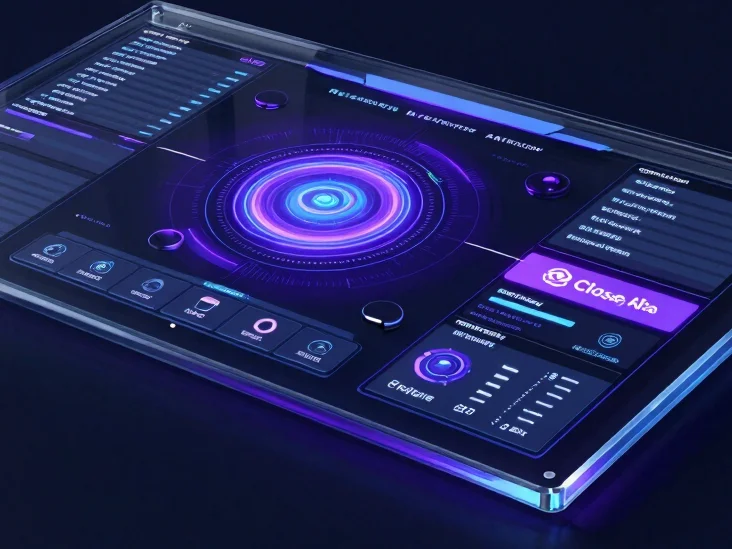
Clean design choices help you understand the product quickly and stay focused on what matters.
Speed
Fast navigation and a lightweight layout keep you moving from introduction to exploration without delay.
Intuitive interaction
Familiar controls and clear labels make the workspace easy to read and easy to try.
Clear data visualization
Dashboard panels present information in an organized way so you can see the interface at a glance.
Core features
A workspace built around clarity
Dashboard
Organized overview panel
A central dashboard arranges your workspace views so the layout stays readable from the first screen.
Navigation
Direct, clean navigation
Simple menus and consistent placement help you move between sections without losing your place.
How it works
Three steps to get started
01
Access
Open AI Launch from the link on this page to reach the product and begin exploring.
02
Configure
Set up your workspace preferences so the interface matches how you prefer to work.
03
Navigate
Move through the dashboard and tools in a straightforward flow designed for quick orientation.
Why AI Launch
Practical access to AI technology, presented honestly
We keep the introduction direct: a clear look at the interface, straightforward explanations, and room to decide for yourself.
FAQ
Common questions
What do I need to get started? Access AI Launch through the link on this page. Requirements are shown on the product page itself.
Is the interface easy to navigate? The layout uses clear menus and consistent placement so you can find what you need. Is there onboarding? Setup steps are presented in a simple sequence so you can begin without guesswork.
Ready to explore AI Launch?
Take a look at the interface and decide whether you want to explore further.